
Focus groups and research
Make visible what people really think
From answers to insights
Everyone gets a voice
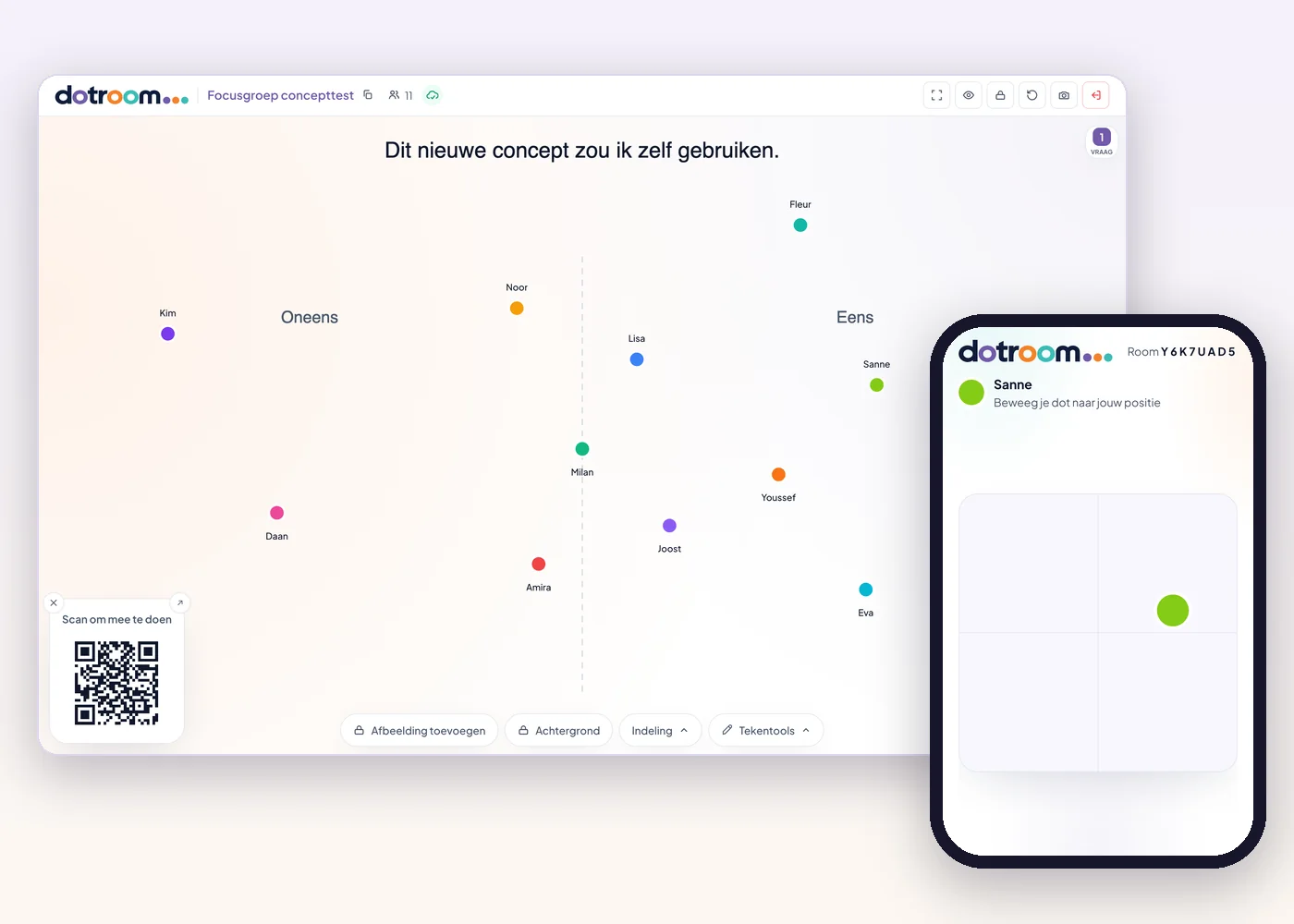
Participants first choose their own position, before the group discussion starts. That way not everyone follows the first speaker. With secret vote (Plus) the big screen stays empty until you reveal the result.
Make nuance visible
A dot can go anywhere, not just yes or no. You see who agrees, who doubts and where the group splits, in one picture.
Ask targeted follow-up questions
A dot standing on its own, or a cluster around the middle, is your next question. Ask two participants who stand far apart to explain their choice.
Easy to take part
Participants join on their phone: scan the QR code, enter a name and that's it. No account, no app and nothing to install.
How it works
The moderator presents a statement or question.
Participants choose their position on their phone.
The different perspectives become visible on the shared screen.
The moderator uses those differences to deepen the conversation.
Take the canvas in any direction
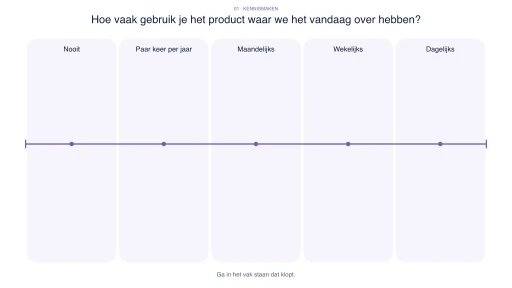
The board is an open canvas, not a fixed question format. Choose a statement with agree and disagree, a scale, a matrix or a poll, or draw what your conversation needs: a customer journey, a price ladder or a map.
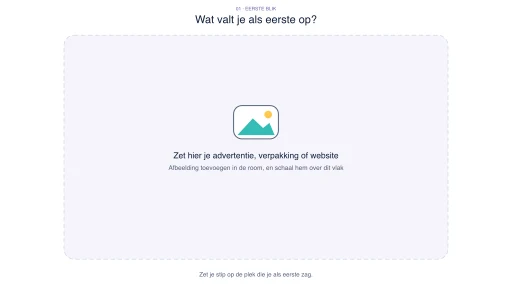
On Plus and Max you put your own image on the board. Place two packages, ads or concepts side by side and let participants put their dot by what appeals to them. Or show one website or leaflet and ask where they look first. Positions on the board are positions on your image.
Who is it for?
Market research and consumer panels
Discuss concepts, brands and prices, and see straight away where opinions in the panel differ.
Focus groups and group interviews
A shared starting point for the conversation, in which every participant first chooses their own position.
Participation and policy research
Let residents, clients or employees show where they stand, including those who are slower to speak up in a group.
Evaluations and reflection sessions
Look back together on a project or programme and start the conversation with the differences.
A tool for the conversation, not a research platform
DotRoom supports the group conversation itself. Your discussion guide, recording, transcription and analysis stay where they are. DotRoom gives the group a shared picture to respond to during the conversation.
With Plus or Max you can look back per question at where everyone stood, and export positions and poll choices as CSV with a codebook. Participants are pseudonymised per session.
Example questions
- Agree / disagree
Statement: I would use this new concept myself.
- Scale
How clear is this concept at first sight?
- Image as background
Which of these two designs appeals to you more, and why?
- Poll
Which packaging appeals to you most?
Ready-made sessions (in Dutch)
Templates with questions, drawings and facilitation tips, available with Plus and Max.
Answers to your questions
Is DotRoom a research platform?
No. DotRoom is an interactive tool for the group conversation. It has no transcription, automatic analysis or coding. With Plus or Max you do keep the positions per question and can export them as CSV with a codebook, for your own analysis.
Can participants take part anonymously?
You decide whether names are visible on the big screen. With secret vote (Plus) the screen stays empty until you reveal the result. Saved results are pseudonymised per session.
Can I test my own visual material?
Yes. On Plus and Max you upload an image as background, such as a package, an ad, a website or two concepts side by side. Participants place their dot on the image, and you see straight away where attention and opinions lie.
Do participants need an account or app?
No. Participants scan the QR code or type the room code in their browser and join straight away.
Is there a data processing agreement?
Yes. For organisations there is a data processing agreement.
Discover what lies behind the answers.
Start a room and go live within 10 seconds. No installation or payment details required.
You pay nothing to get started.