Why DotRoom

From silent group to visible conversation in under a minute.

You ask a question, everyone places a dot from their phone, and the group sees where it stands. Below is everything that makes that work, with an example for each part.

Joining without barriers

Participants only need their phone. No app, no account, no explanation.

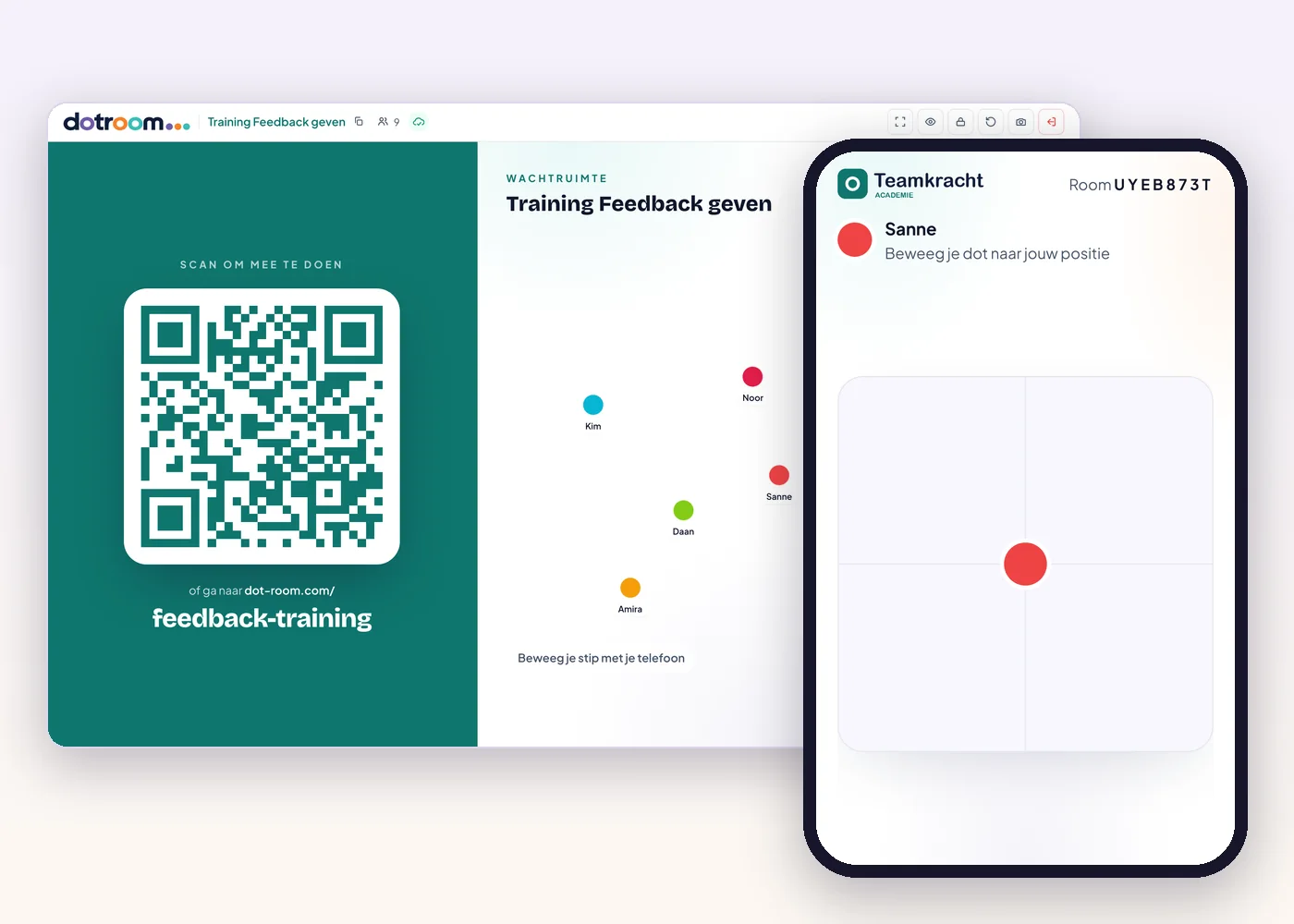
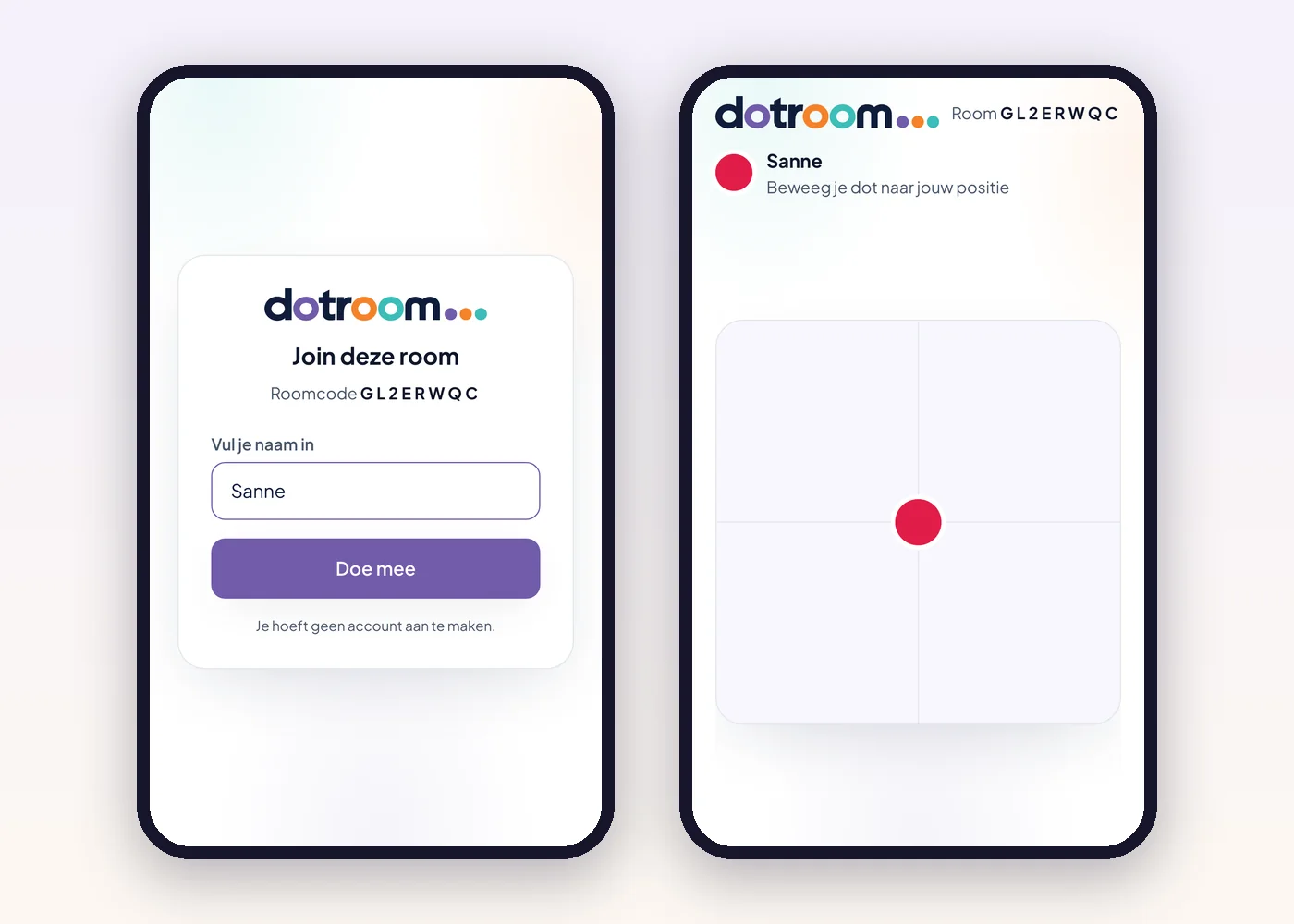
Two phones: a participant enters a name and then appears as a dot on the board
All plans

In within ten seconds

Participants scan the QR code on the big screen, type their name and appear on the board right away. Nothing to install, and nobody needs an account.

Example

A team day with forty people: the QR code is on screen as everyone walks in, and the whole group is on the board before the coffee is finished.
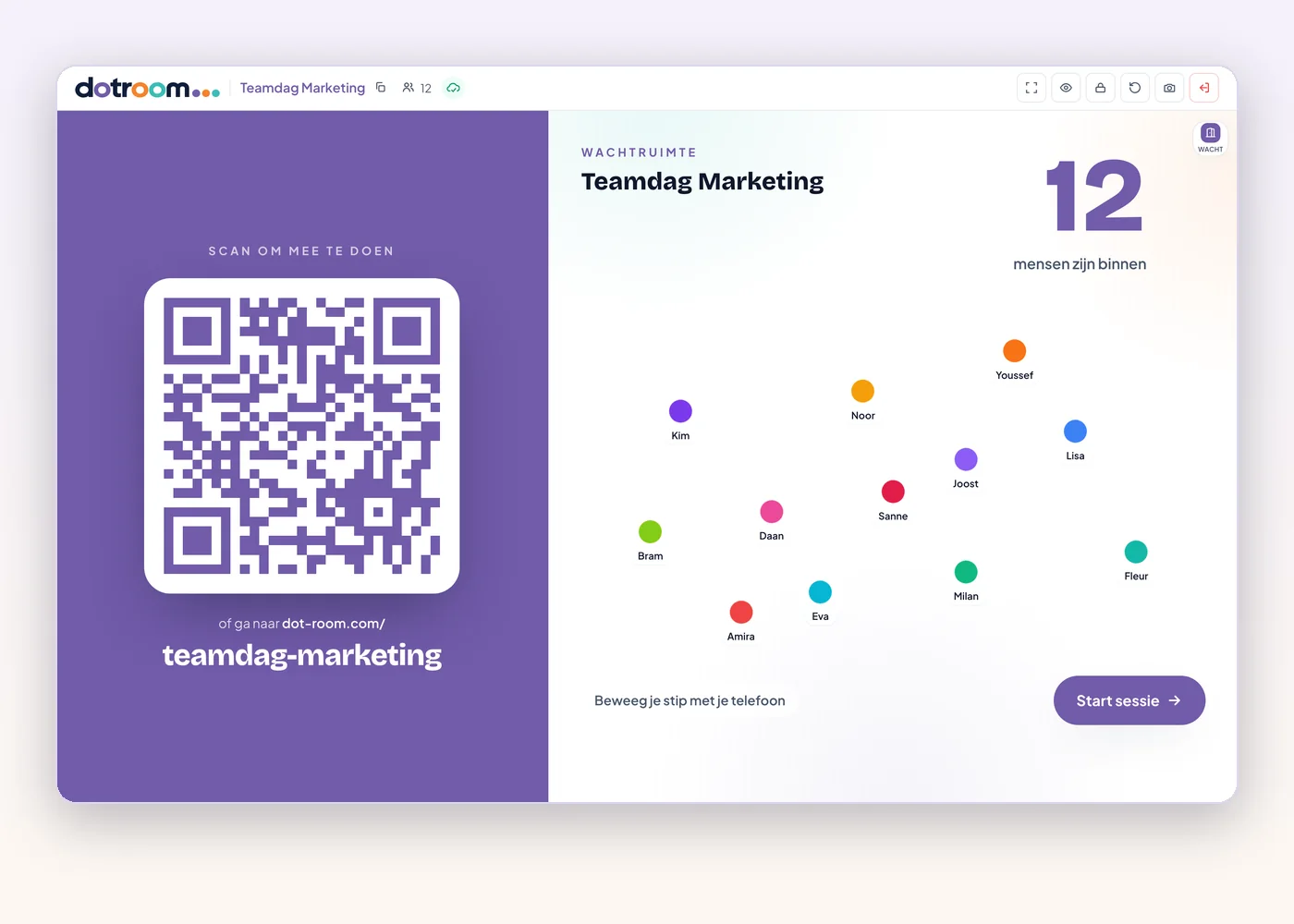
Waiting room on the big screen with QR code, participant count and moving dots
All plans

A waiting room before the first question

Add a waiting room before your first question. Participants see their names come in, you see who has arrived, and you start when the group is complete.

Example

At a guest lecture, the waiting room is already on screen when the class comes in. Once everyone is seated, press the arrow and question 1 begins.

Activities that show where people stand

A poll asks what you think. DotRoom asks where you stand, and shows the nuance a bar chart hides.

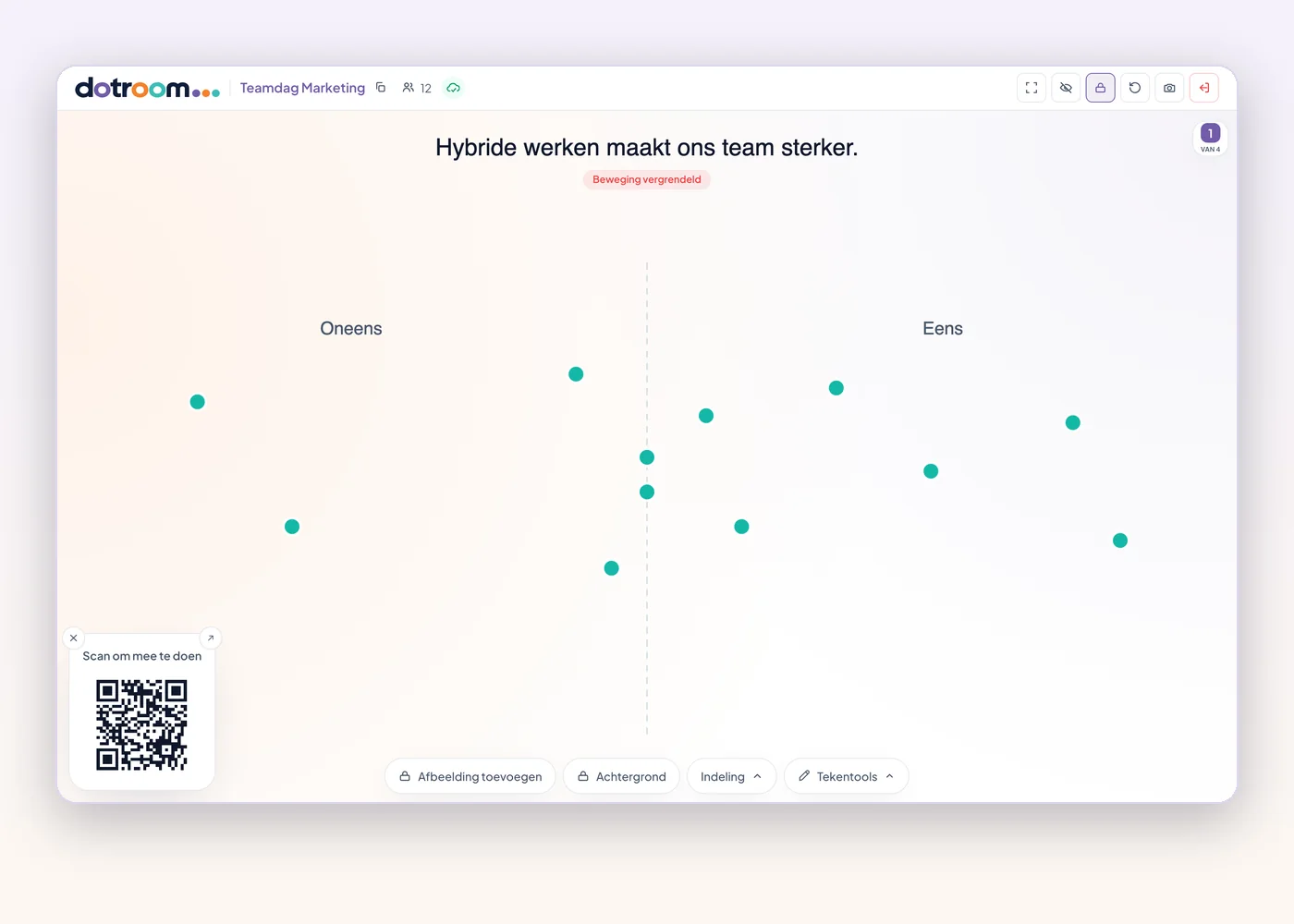
Statement with twelve participants' dots placed between Disagree and Agree
All plans

Statements and scales

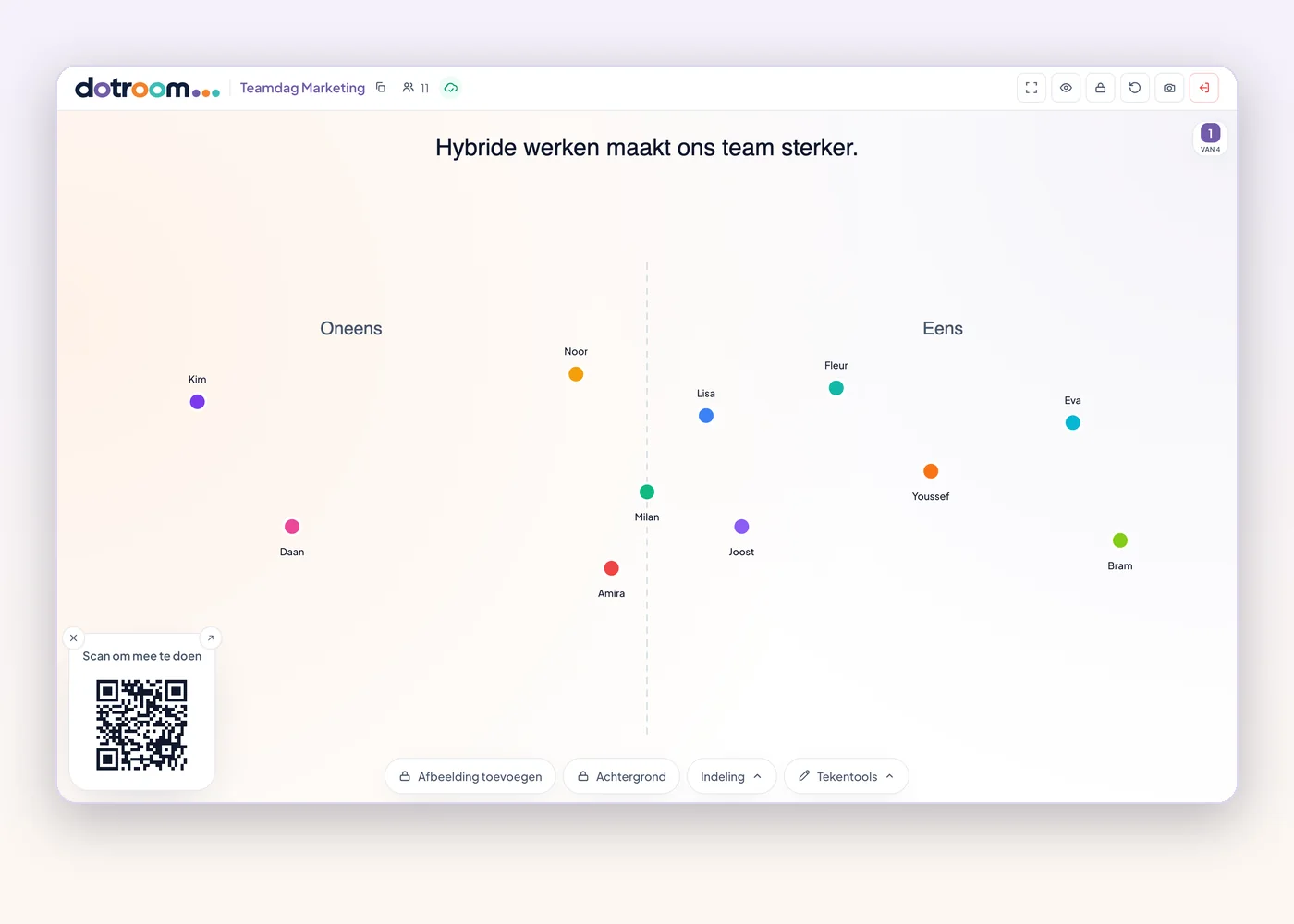
Everyone places a dot on a line from disagree to agree, or on a scale you choose. The group instantly sees where the weight lies, and who is in doubt.

Example

"Hybrid working makes our team stronger." Two extremes and a big group in the middle: exactly the conversation you want to have.

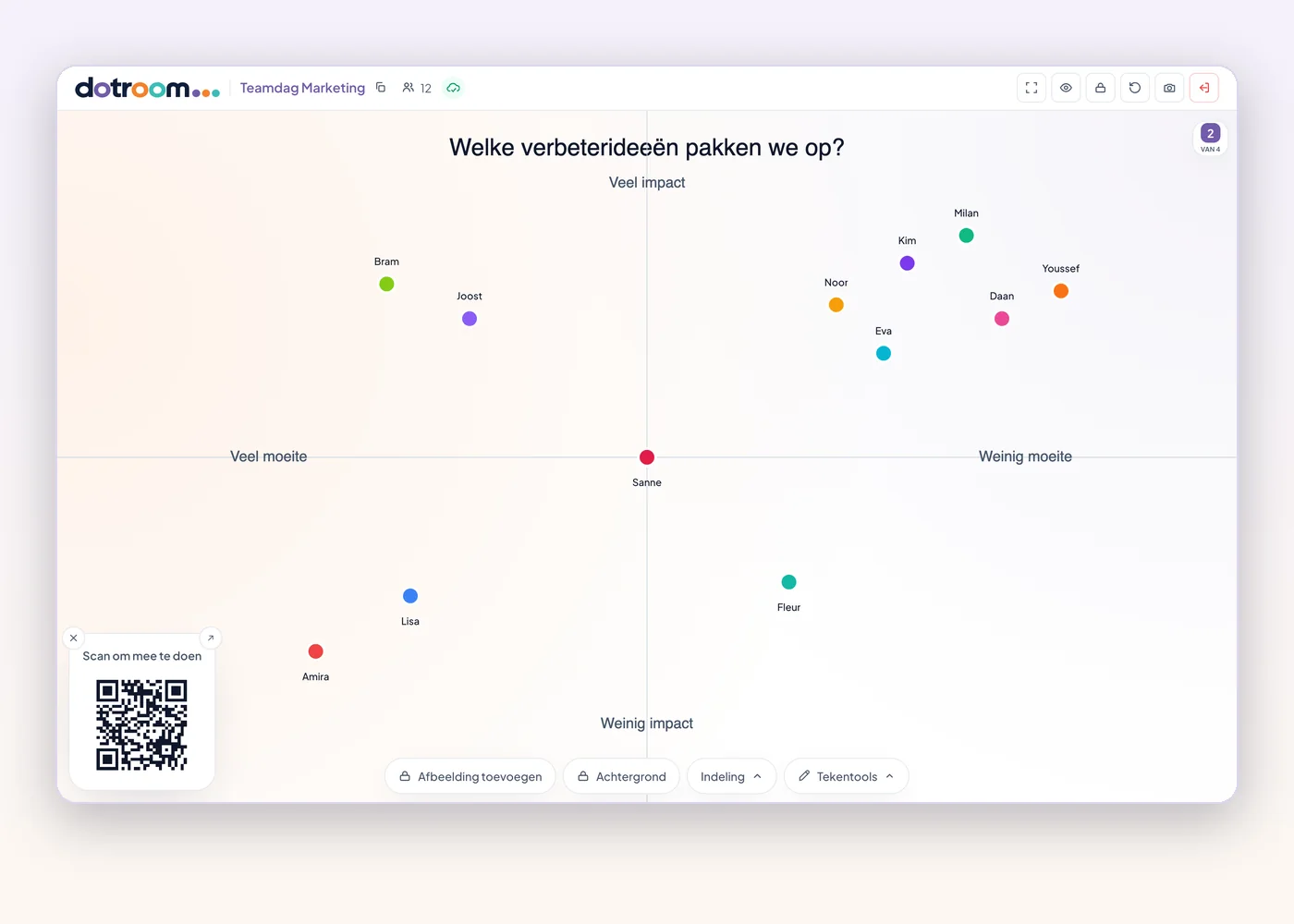
Matrix with effort and impact axes and a dot per participant
All plans

A matrix with two axes

Let people choose on two dimensions at once, such as impact and effort, or energy and focus. Clusters and outliers stand out immediately.

Example

The team places improvement ideas on impact and effort. Top right, high impact and little effort, is what you pick up tomorrow.

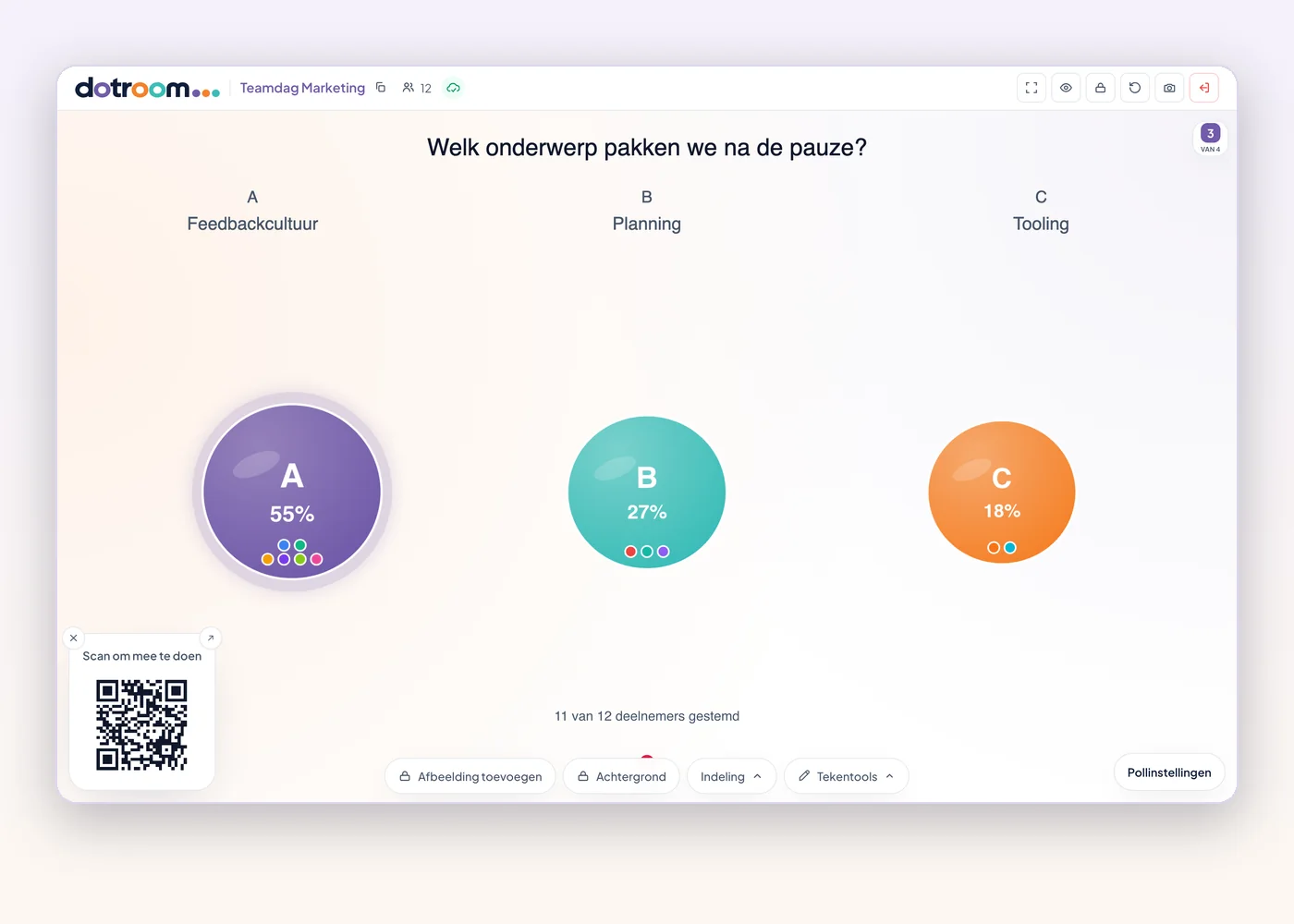
Poll with three topics and live percentages per choice
All plans

Polls with live results

A classic multiple-choice question with the results live on screen. Handy for quick choices, checks or setting the agenda.

Example

"Which topic do we take after the break?" Three options, thirty seconds, and you know what gives the group energy.

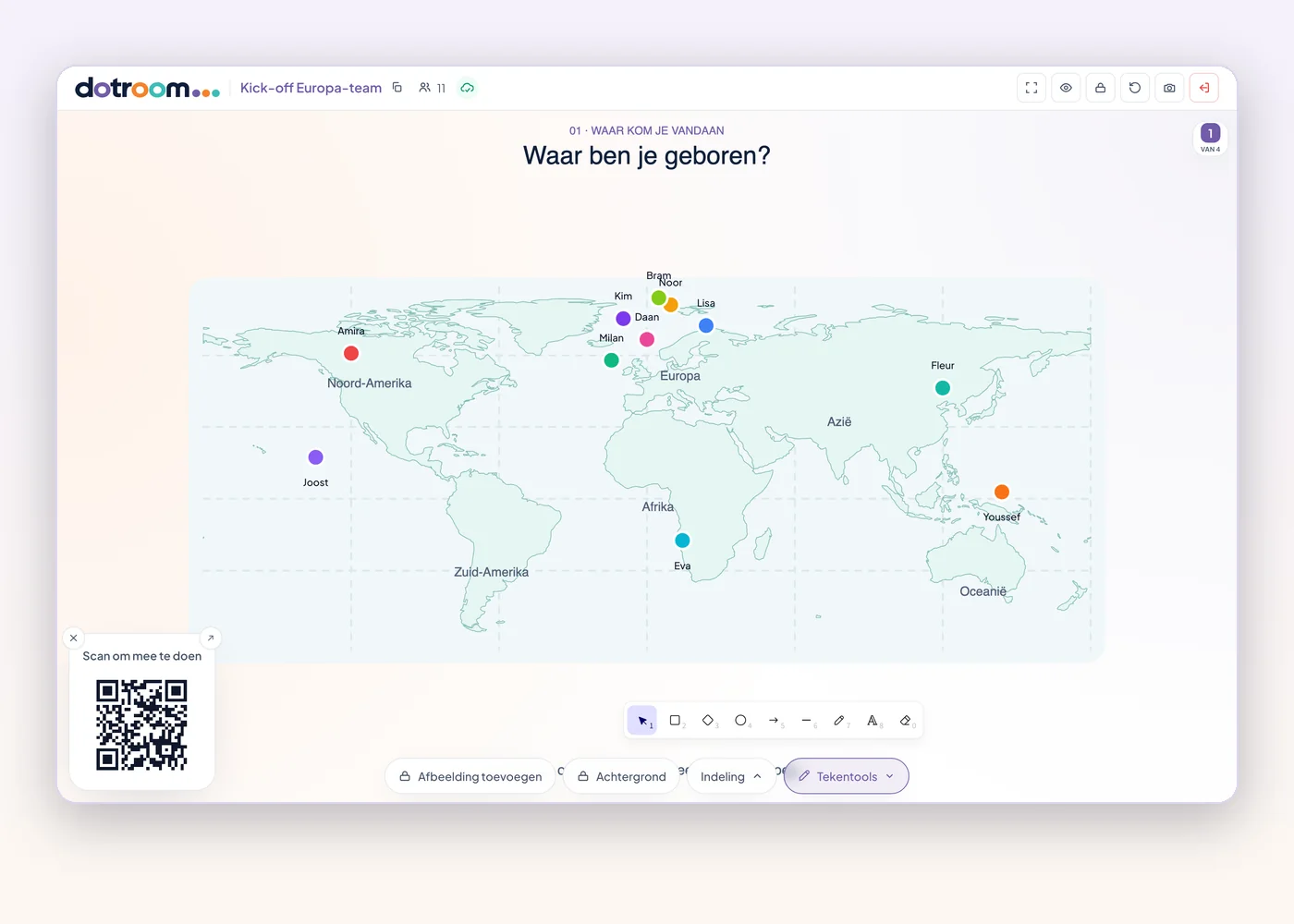
World map template with participants' dots and the drawing tools open
All plans

Design your own board

Draw, write and place shapes on the board, so every question gets exactly the board it needs. On Plus and Max you can also upload your own backgrounds, such as a map, a photo or a model.

Example

A world map as background: "Where would you most like to work for a year?" Everyone puts their dot on a country.

You stay in control

As host you set the pace. One click brings calm, suspense or openness to the group.

Host screen with the board locked and names hidden
All plans

Lock, reset, show names

Lock movement when you want to talk, move every dot back for a new round, and choose whether names are visible.

Example

After the first round you lock the board and ask: "Who is at the top right, and why?"

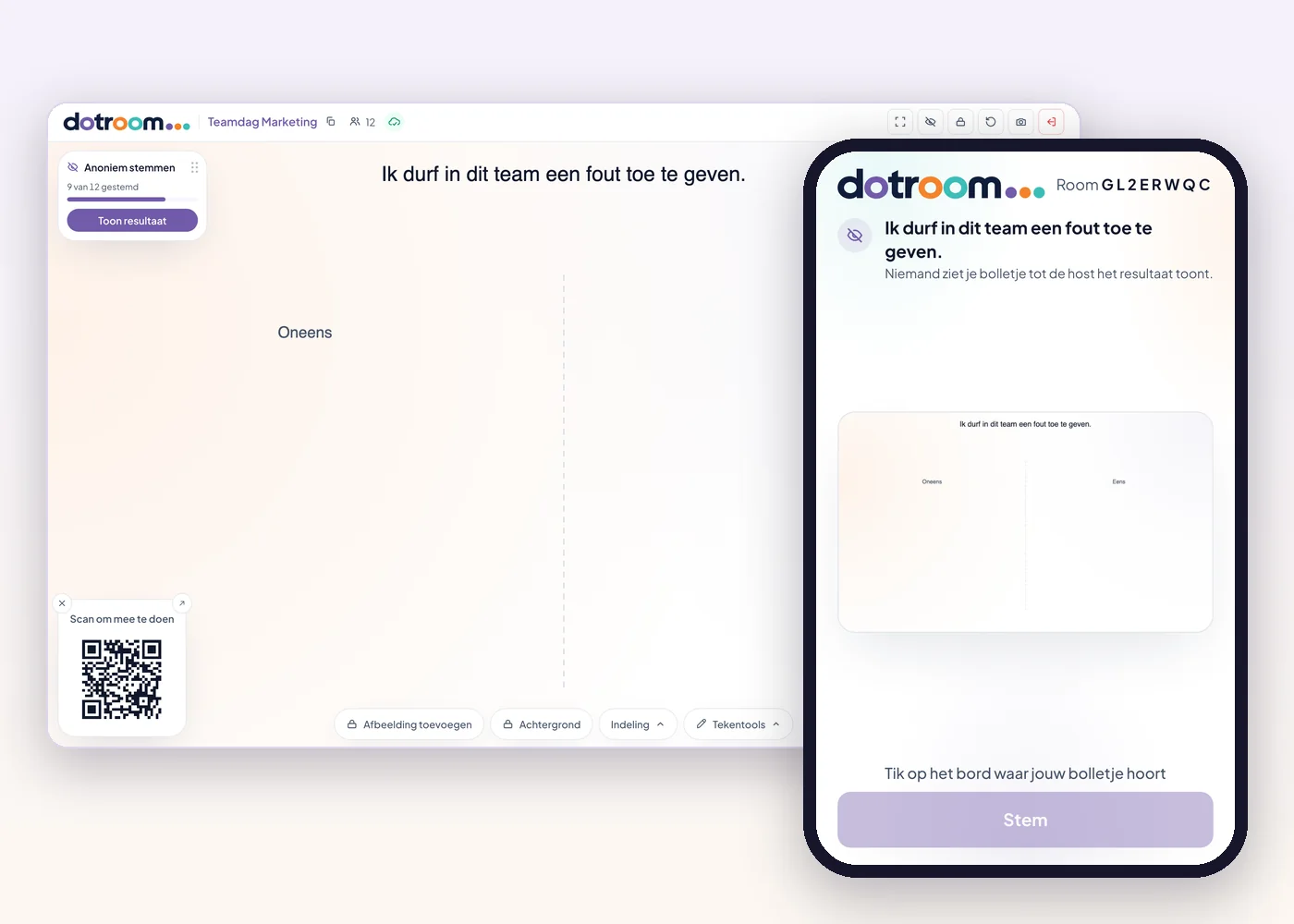
Secret vote: the host screen shows 9 of 12 voted, the phone asks for a vote
Plus and Max

Secret vote

Participants place their dot on their phone, but the big screen stays empty until you reveal the result. Then you can choose to show the names; they drop into place one by one.

Example

For a sensitive decision, everyone votes without being influenced first. Only when everyone has voted do you reveal the picture of the group.

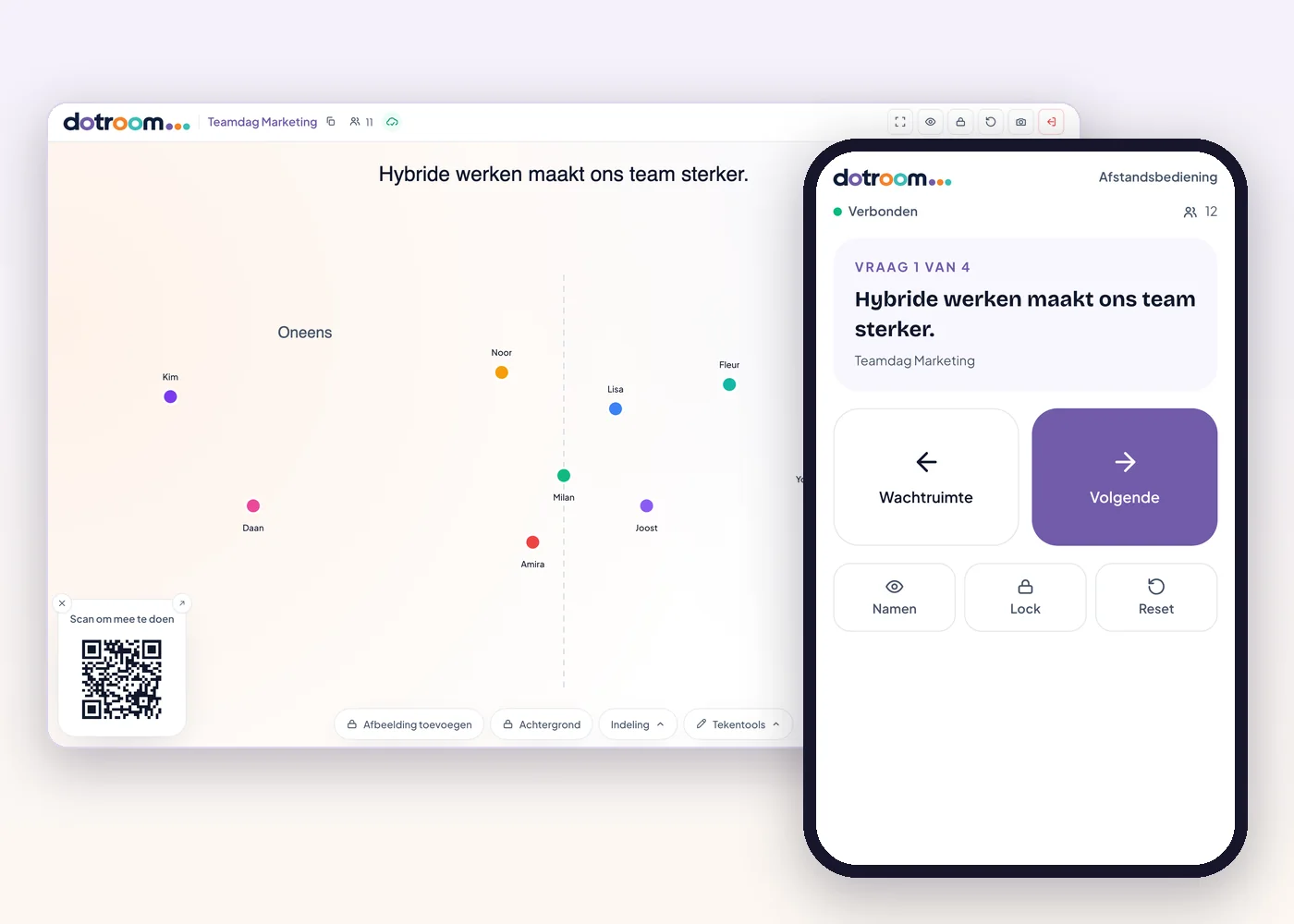
Phone remote next to the host screen, with previous, next and controls
Max

Co-host and remote control

Give a colleague their own host link to help run the room, or steer it yourself from your phone: next question, show the result, names and lock.

Example

You walk through the room with the microphone and tap to the next statement on your phone, without walking back to your laptop.

Prepared faster

Don't start with an empty board every time.

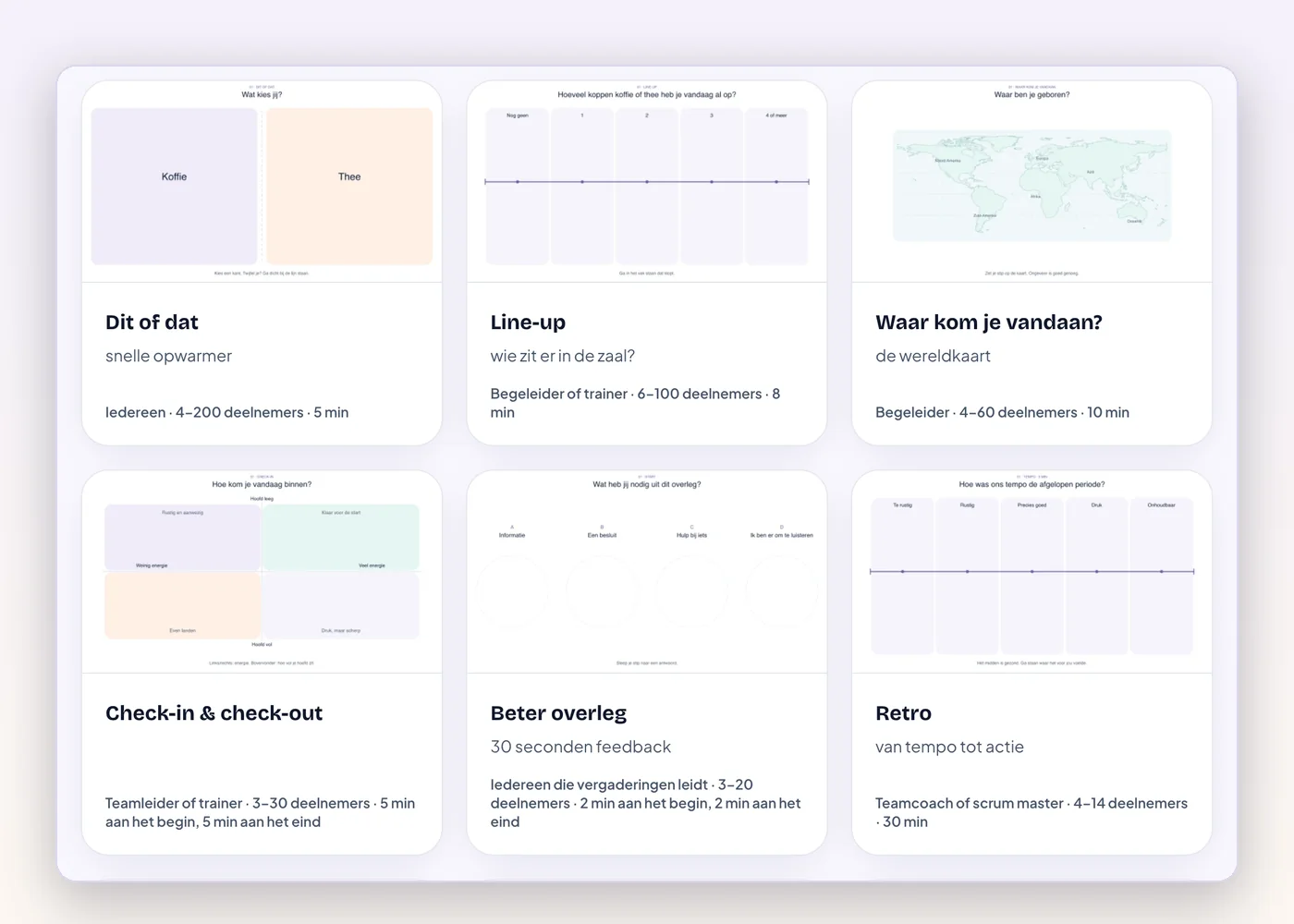
Template library with ready-made sessions such as This or that, Line-up and Retro
Plus and Max

Templates and your own rooms

Choose ready-made activities for check-ins, retrospectives and statements, or save your own room as a template. Rooms are kept, so you can reopen them later.

Example

Your monthly team check-in is ready as a template. Open, share, start.

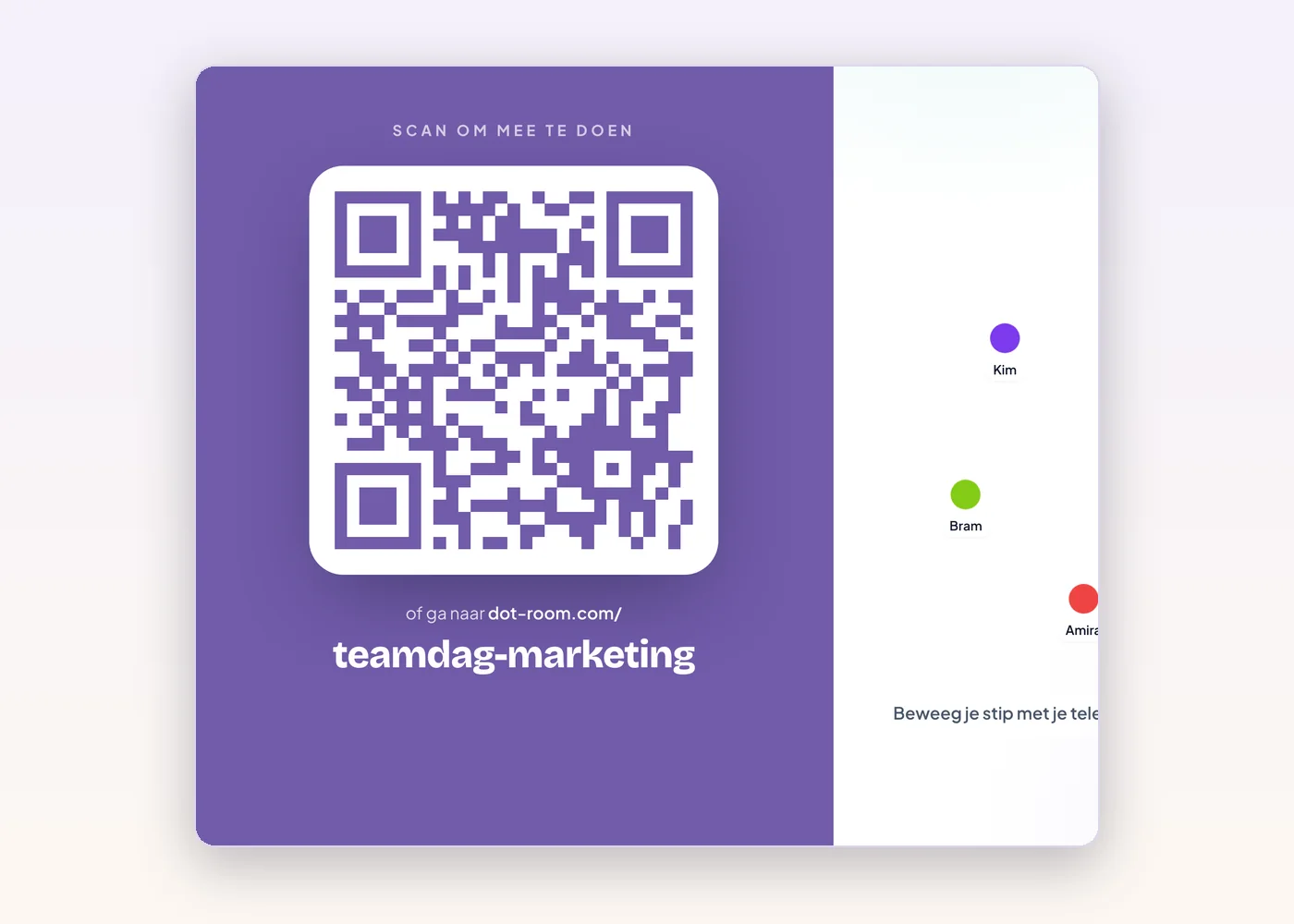
Waiting room showing the fixed room link dot-room.com/teamdag-marketing
Max

Folders and a fixed room link

Organise rooms per client or programme in folders, and give a room a fixed link such as dot-room.com/yourname to share in advance.

Example

A trainer with five clients keeps a folder per client and puts the fixed link in the training invitation.

Room in an organisation's branding: its colour on the big screen and its logo on the phone
Max

Your own branding

Your logo appears on participants' phones and your colour runs through the whole room. The session feels like yours, or your client's.

Example

At a conference, participants see the organiser's logo on their phone, in the colours of the event.

After the session

What the group showed doesn't stay behind in the room.

Plus and Max

Results and research export

Look back at where everyone stood on each question, and export positions and poll choices as CSV. Participants are pseudonymised per session.

Example

A researcher compares the answers of three groups in Excel without retyping anything.

Max

Session report as PDF

A clean report with every question and the picture of the group, ready to share with your client or participants.

Example

The day after the workshop you send the client a report with all outcomes, in their branding.

Which plan has what?

Free covers every activity. Plus and Max add saving, secret voting, results, branding and more.

Compare all plans

Ready to see where your group stands?

Start a room and go live within 10 seconds. No installation or payment details required.

You pay nothing to get started.

Features: statements, matrix, secret vote and more | DotRoom